Adjoiners in seconds: step by step
This is exactly what you do in Carlson, IntelliCAD and AutoCAD to get every adjoiner's owner, deed and plat label, the adjoiner table and the letters. Real screens, no editing tricks.
Find your parcel
Type
BCS. At the prompt, choose PIN (or Address, or pick a point in the drawing). BIGCS pulls the parcel from the county GIS and draws it in the right place.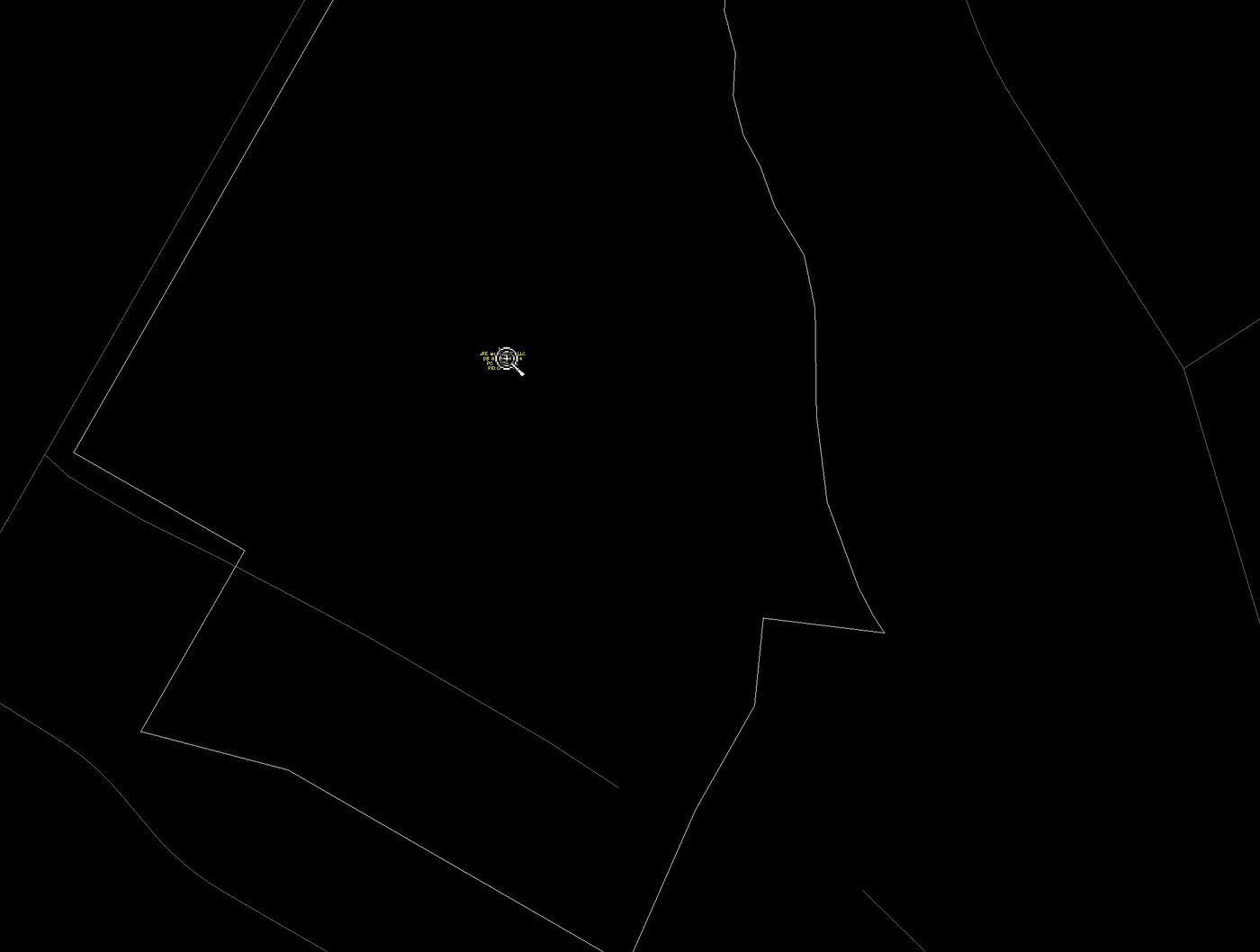
The subject parcel drawn in Carlson from county GIS The owner label is already there
The parcel comes in labeled: owner, deed book and page, plat reference and PIN. Nothing typed.
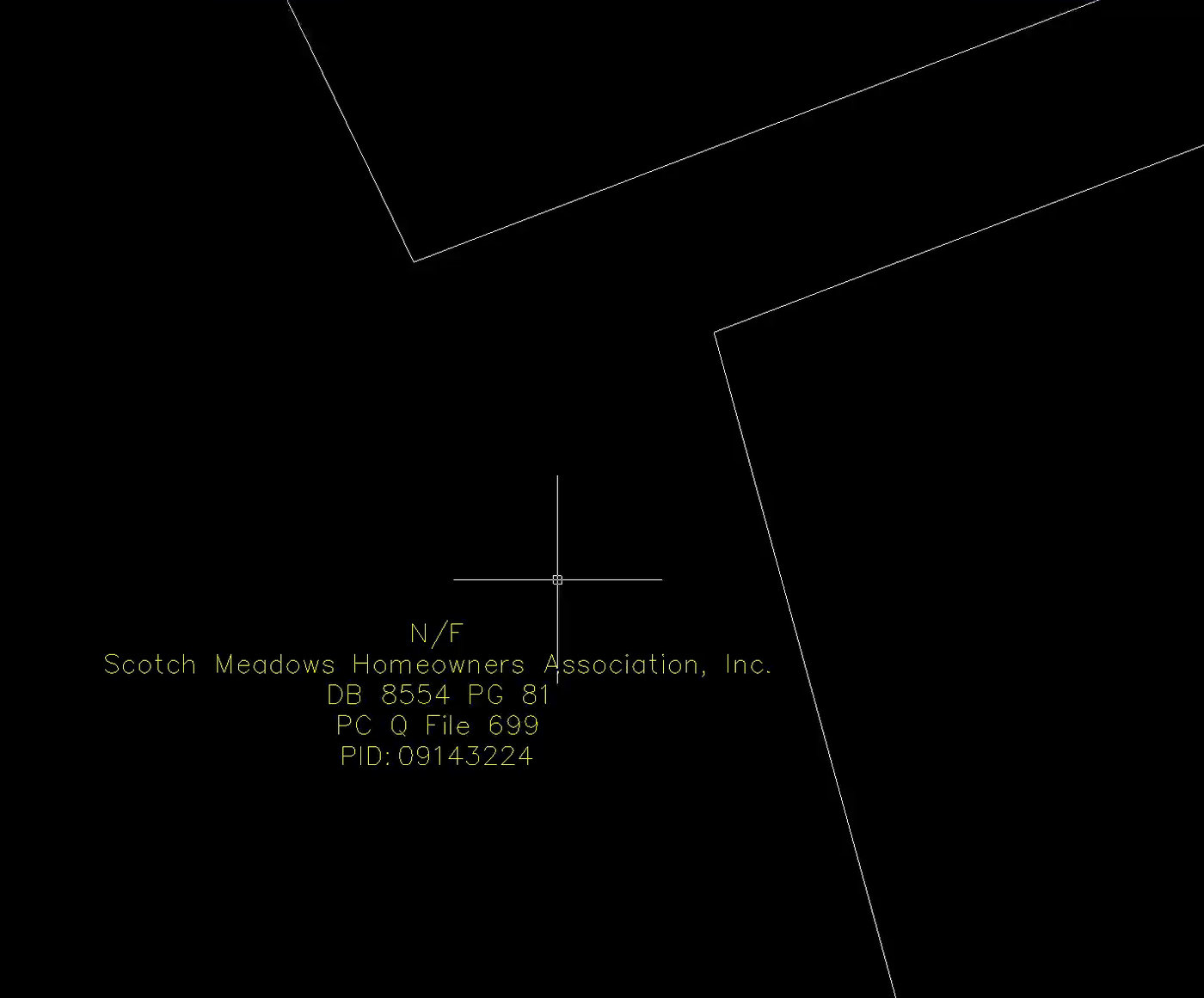
Owner, deed, plat and PIN label placed by BIGCS Get all the adjoiners at once
Run
BCSagain and pick Adjoiners at the Mode prompt, then click inside the subject parcel. Every neighbor comes in with the same label.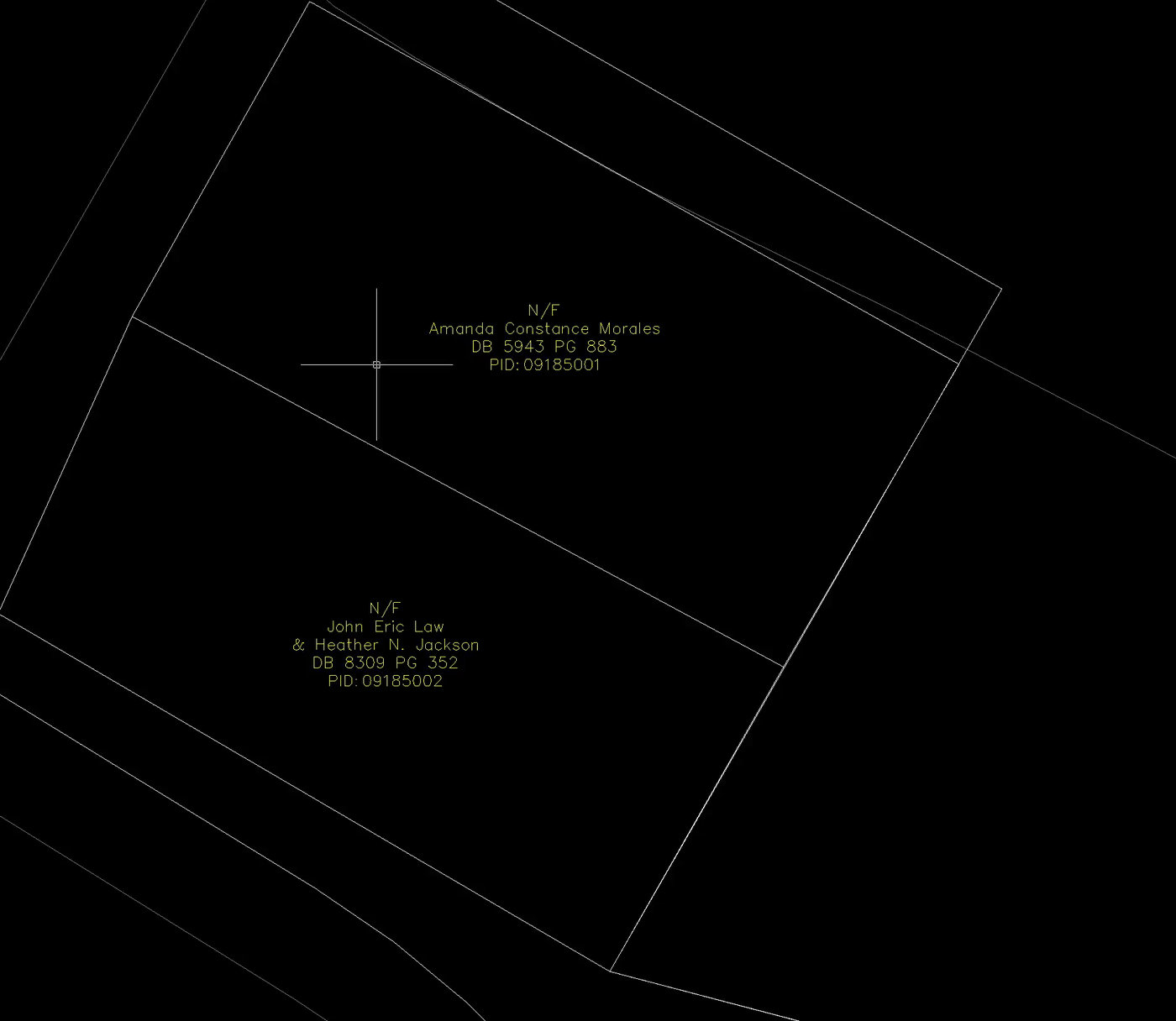
Adjoiner labels placed on neighboring parcels Every neighbor, done
Here is the whole job: the subject and all its adjoiners, each labeled from county GIS.
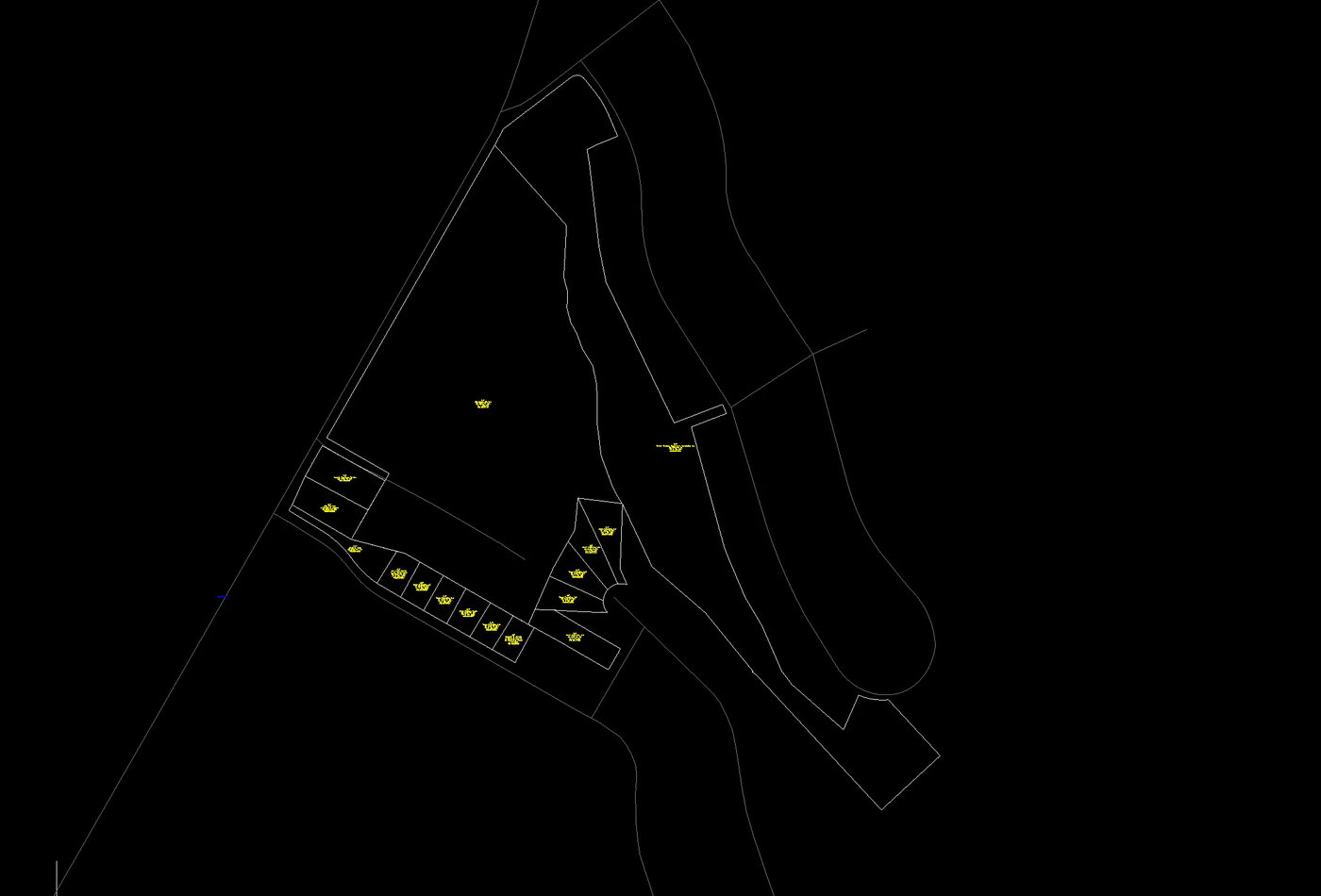
Subject parcel with every adjoiner labeled Drop in the adjoiner table
Type
BCSADJ, pick the subject parcel, then click where the table's top-left corner goes. You get owner, mailing address and site address for every adjoiner, plus a CSV saved next to your drawing.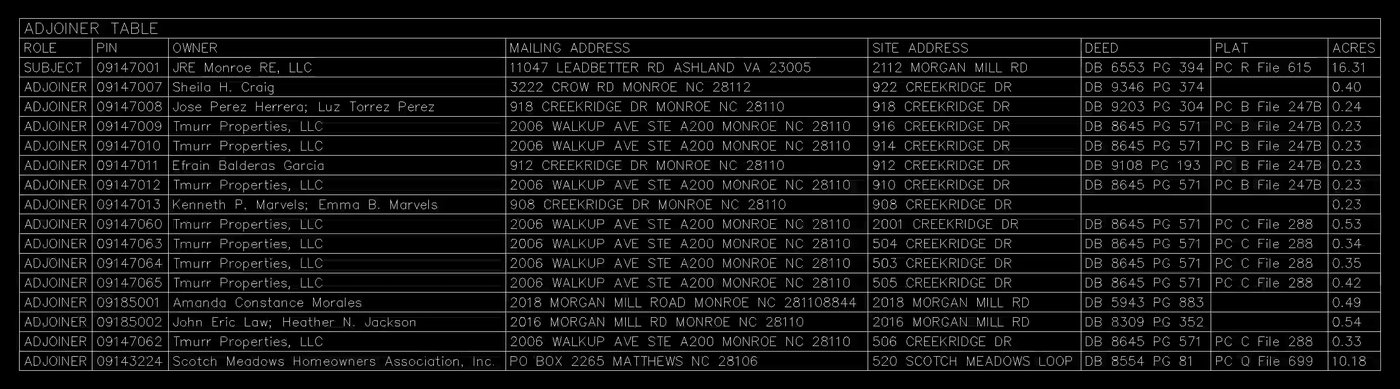
Adjoiner table placed in the drawing Make the adjoiner letters
Type
BCSLTR. Pick the parcels, pick a template (letters or door hangers) and click Create.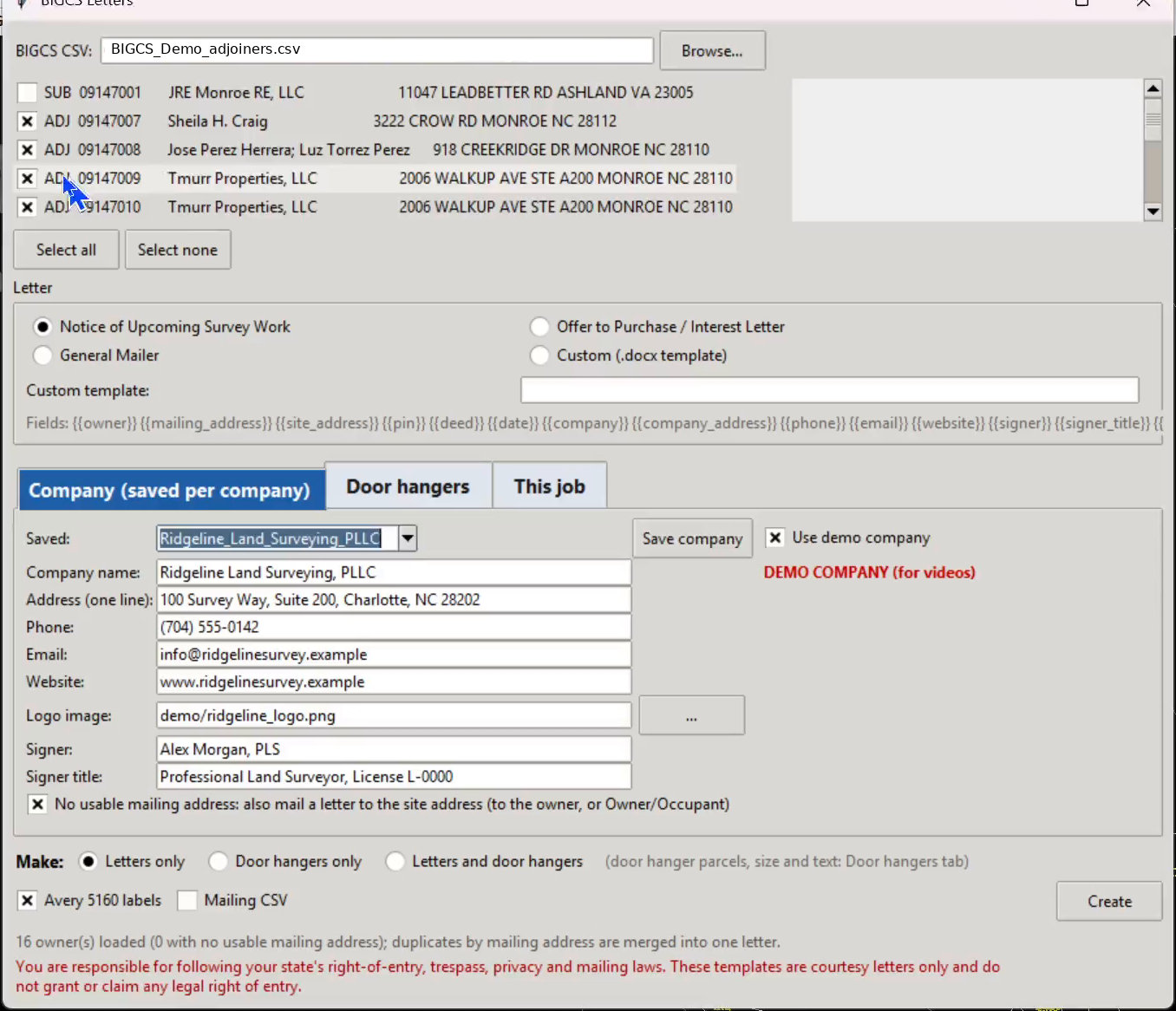
BIGCS Letters window Letters ready to mail
Letters come out as Word documents with your company info, plus mailing labels.
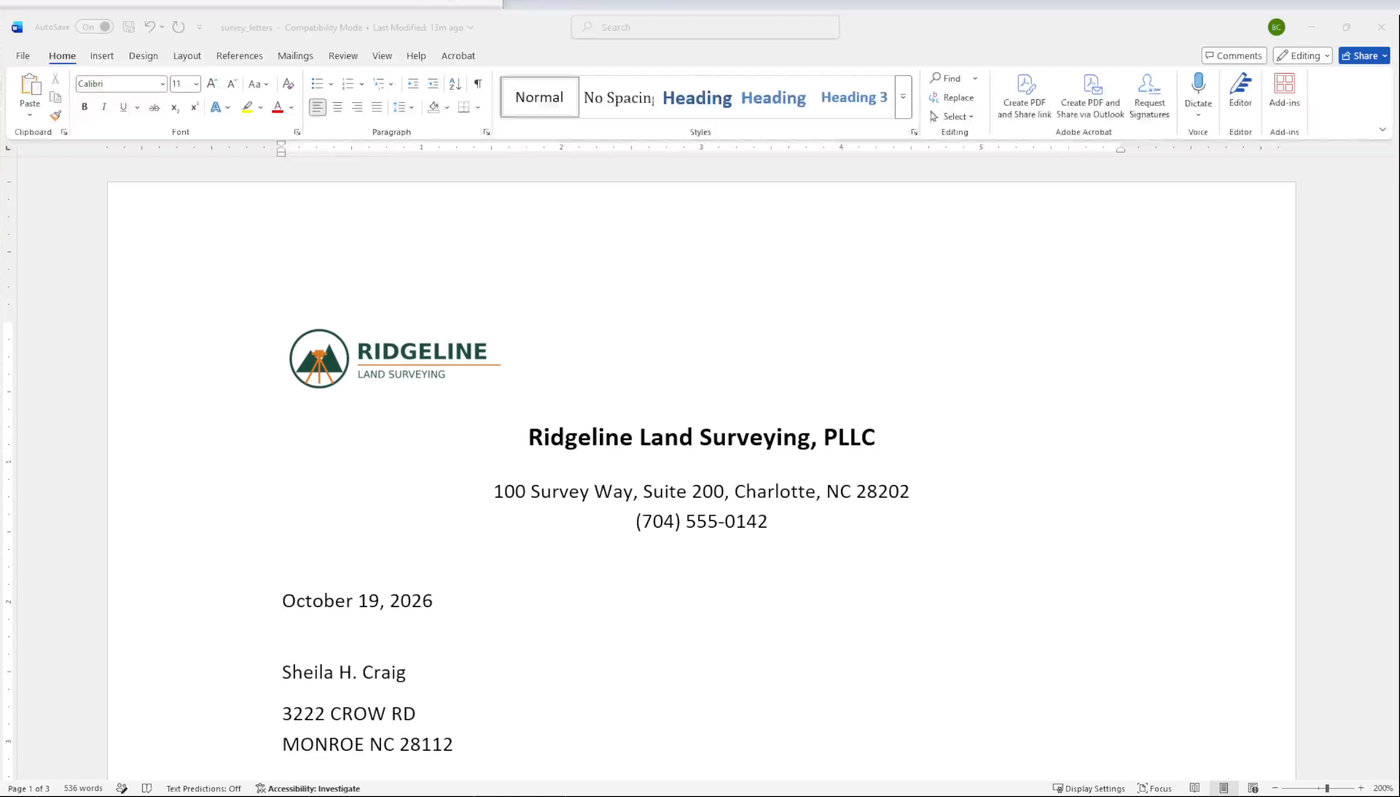
Sample letter with a sample surveying company letterhead
BCS | Parcels with labels. Locate by Pick, LatLon, StatePlane, Address or PIN. Mode: Single, Adjoiners, Radius or Window. |
BCSTXT | Labels only, no parcel boundary. |
BCSADJ | Adjoiner table plus a CSV. |
BCSLTR | Adjoiner letters and door hangers. |
BCSST | Label style: how deeds and plats read. |
BCSREF | Refresh labels already in the drawing. |
BIGCS is not a survey
Labels come as-is from county GIS records. Always confirm against the recorded deeds and plats. Read the disclaimer.